AI DIRECTOR
One line of inspiration.A finished story video.Stories, not clips.
VideoStar is an AI director. Hand it one line of inspiration and it walks you from story to finished video, with every step open to your edits.
Built-in visual styles
Pick the look first; the story is written inside it
 Cinematic RealismTry this style
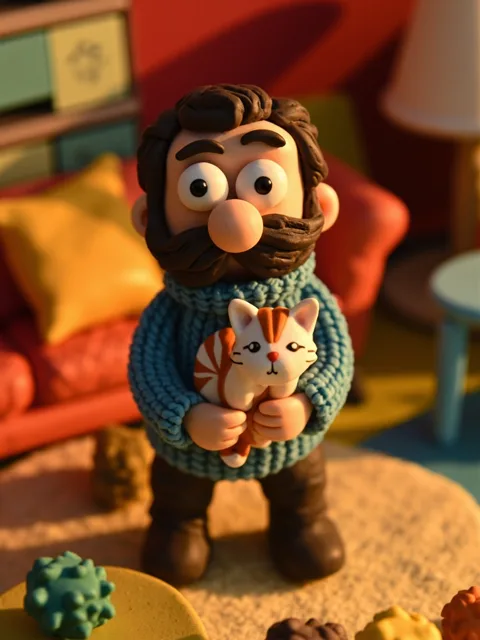 ClaymationTry this style
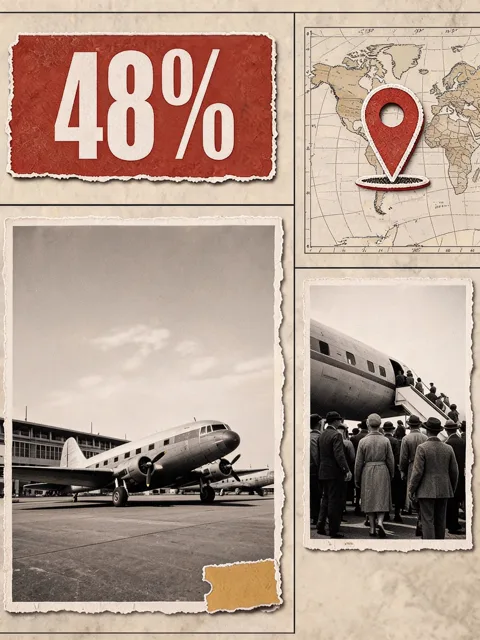 Vox InfographicTry this style
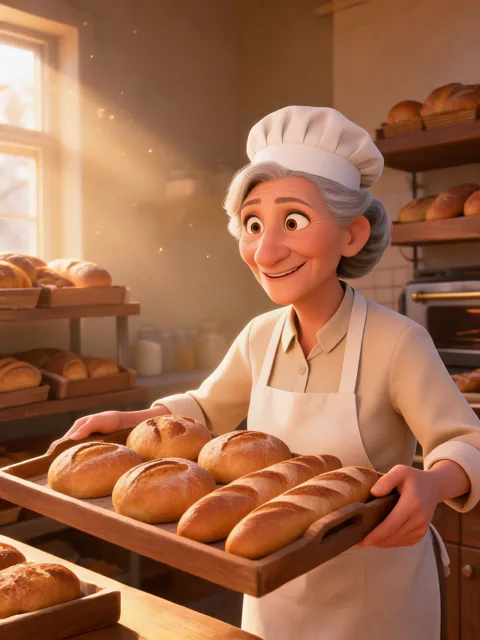 3D CartoonTry this style
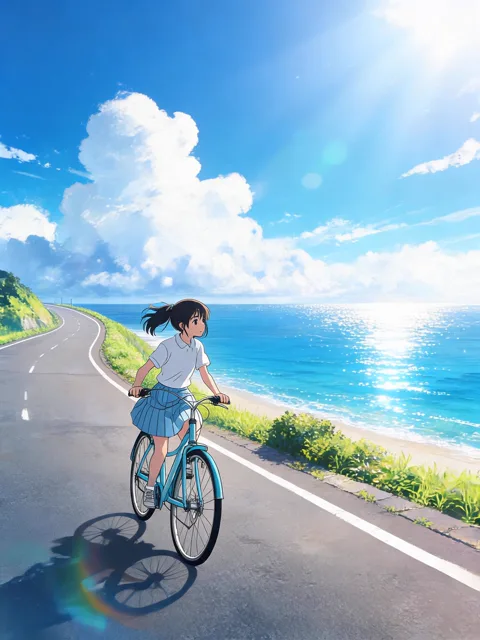 AnimeTry this style
 Retro Cinematic FilmTry this style
 Epic DocumentaryTry this style
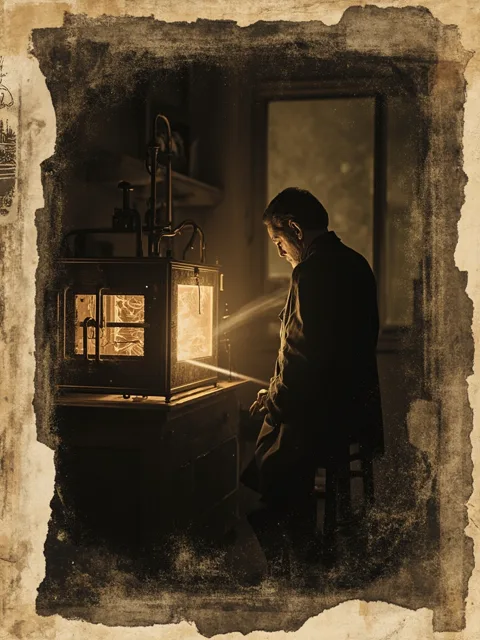 Archival DocumentaryTry this style
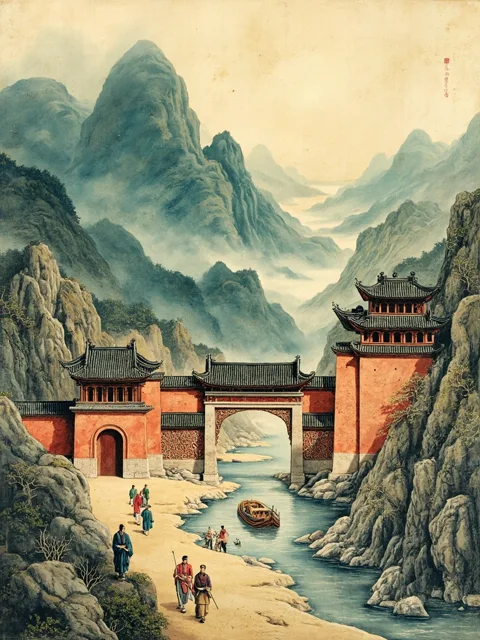 Chinese ClassicalTry this style
 New Chinese AnimationTry this style
 Noir EditorialTry this style
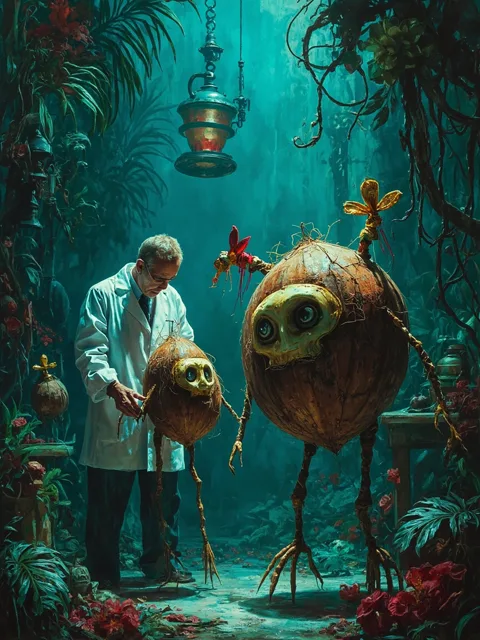 Dark StorybookTry this style
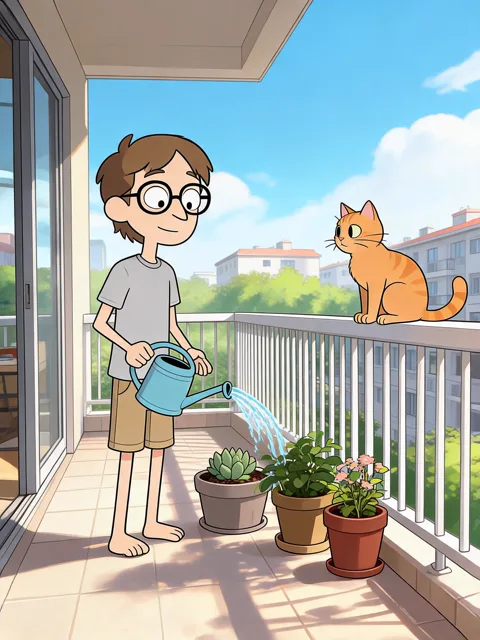 Hand-drawn CartoonTry this style
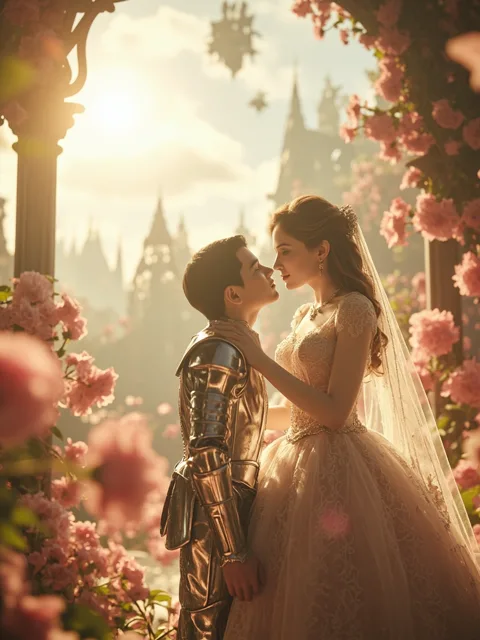 Fantasy CGTry this style
 Dreamy StorybookTry this style
Made with VideoStar
Finished videos, straight out of VideoStar
All made with VideoStar in our own projects. Click any one to play.
Learn VideoStar
Watch how a video gets made, start to finish
Short films on what VideoStar is for and how to use it. More are on the way.
All films
What changes once the whole thing is one workflow
One person, work that used to take a team
An animated knowledge channel used to mean a writer, a voice actor, an illustrator and an editor. The nine steps still happen — you are simply the only person who has to be in the room for them, and you never need a shoot budget to start.
You can price the video before you make it
Generation runs on your own API key, paid to the model platform at list price; we take no cut. Narration carries the video, so visuals rarely need a second pass and compute stays low and predictable.
What ships is your point, not the model's average
You bring the idea and the argument; the AI drafts around them and you correct it at any of the nine steps. Nothing is handed to you as a finished result you can only accept or re-roll, so the opinion the audience hears is still yours.
How it works
Three stages, and the order is not reversible
The AI director sits on top of this workflow: you give direction in plain language — add a product close-up in shot three, cool the overall grade down, make the second narration block more conversational — and it works out which step to run and which parameters to change, showing its reasoning as it goes.
Step 1: Set the brief, write the story, cast the characters
Choose the visual style, the aspect ratio and the narration language first — that choice is the global constraint everything after it is written inside. The story copy is drafted within that constraint and stays yours to edit until it says what you meant. Characters are then identified from your story, and each look is locked with a reference still and a consistency ID.
Why it wins — A dedicated casting step locks the lead's reference still first, and every later shot is generated against that face — the place AI video most often gives itself away.
Step 2: Break it into shots and generate them one by one
The story is split into shots with a prompt written for each one. Edit any shot or any prompt and regenerate only what you wanted changed; nothing upstream is thrown away.
Why it wins — Every step is editable, not a black box that hands you a result. Other tools leave you to roll again; here you fix the step you dislike and keep everything before it.
Step 3: Auto-assemble into a finished film
Shot footage and narration are aligned and merged, then arranged on the timeline, subtitled and rendered out as one MP4 you can publish.
Why it wins — Video models only produce a dozen-odd seconds per run; shot breakdown plus automatic assembly is what gets you a full-length piece instead of a clip.
Six things that decide whether the video ships
01
Every step is editable
Other tools hand you a result and your only recourse is to roll again. VideoStar is a workbench: fix the step you dislike and everything before it survives.
 Every step is editable
02
Character looks stay the same
A dedicated casting step locks the lead's reference still first, and every later shot is generated against that face — the place AI video most often gives itself away.
 Character looks stay the same
03
Not capped at 15 seconds
Video models only produce a dozen-odd seconds per run. Shot breakdown plus assembly gets you a full-length piece instead of a clip you have to stitch by hand.
 Not capped at 15 seconds
04
BYOK keeps the compute cost transparent
Video generation fees are paid directly to the model platform and we take no cut. You bring your own API key, so generation cost stays fully transparent; our subscription covers the story workflow itself.
 BYOK keeps the compute cost transparent
05
One platform end to end
No shuttling intermediate files between a writing tool, an image tool, a video tool, and an editor. The brief, the story, the stills, the shots, and the export live in one project.
 One platform end to end
06
No endless re-rolling
Story videos hold viewers with narration, so the visuals only need to reach a normal standard — usually right the first time, which is what keeps the compute bill low.
 No endless re-rolling
Built for story videos, where narration carries the piece
VideoStar is a story-video tool. Narration is the narrative vehicle: viewers listen their way in, and the visuals serve the narration. That is also why it stays predictable to run — tolerance for the visuals is higher, shots usually pass on the first generation, and compute spend stays low and steady rather than climbing with every re-roll.
Made for
- Knowledge explainers
- Human-interest stories
- Book summaries
- Industry analysis
- Brand stories
- Educational content
Models you can run
- Seedream 5.0
- Seedream 4.5
- Seedance 2.5
- MiniMax H3
- MiniMax Speech 2.8
- MiniMax Image-01
- Kling
Pricing
The subscription buys the workflow, not the compute
Video generation fees are paid directly to the model platform and we take no cut — you bring your own API key. Creator is available at an early-bird price of $9/month, locked for life for the first 100 subscribers.
Free
$0
per month
2 projects · 5k characters of voiceover · watermarked output
Creator
$19
per month
Unlimited projects · 60k characters of voiceover · no watermark
Pro
$39
per month
HD voiceover · 120k characters of voiceover · voice cloning
In short
- Style first, story second: you pick the visual style, aspect ratio, and narration language, and the AI writes the story inside that constraint.
- Every stage stays editable. Regenerate the one shot you dislike instead of re-rolling the whole video, and keep everything that came before it.
- Bring your own API key: video generation fees are paid directly to the model platform, and the subscription covers the story workflow itself.
FAQ
How does BYOK billing work?
Video generation fees are paid directly to the model platform, and KeepReal takes no cut of them. You add your own API key in the project, so the generation cost stays fully transparent to you. The VideoStar subscription covers the story workflow instead, and narration with MiniMax speech-2.8 is included in it.
How is this different from a tool that produces a whole video in a single pass?
Those tools hand you a finished result, and your only recourse when you dislike it is to run it again. VideoStar is a workbench: the style, the story copy, the character stills, each individual shot, and the assembly are all open to your edits, so you fix the step you dislike and everything before it survives.
How does it keep a character looking the same across shots?
A dedicated casting step locks each character's reference still and consistency ID before any shot is generated. Every later shot is then produced against that reference rather than from a fresh description, which is the point where AI video most often gives itself away.
What kind of videos is VideoStar built for?
Story videos carried by narration: knowledge explainers, human-interest stories, book summaries, industry analysis, brand stories, and educational content. Viewers listen their way into these pieces, so the visuals serve the narration rather than carrying the whole load themselves.
Which video model does it use?
You choose. Seedance from BytePlus, Kling, MiniMax Hailuo, and Wan are all available, and you can pick a different one per project. Stills come from Seedream 4.5, the script and shot breakdown come from DeepSeek V3.2, and narration comes from MiniMax speech-2.8.
Bring one line of inspiration. Leave with a film.
Free gives you two projects and 5k characters of voiceover — enough to run the whole workflow end to end before you decide.